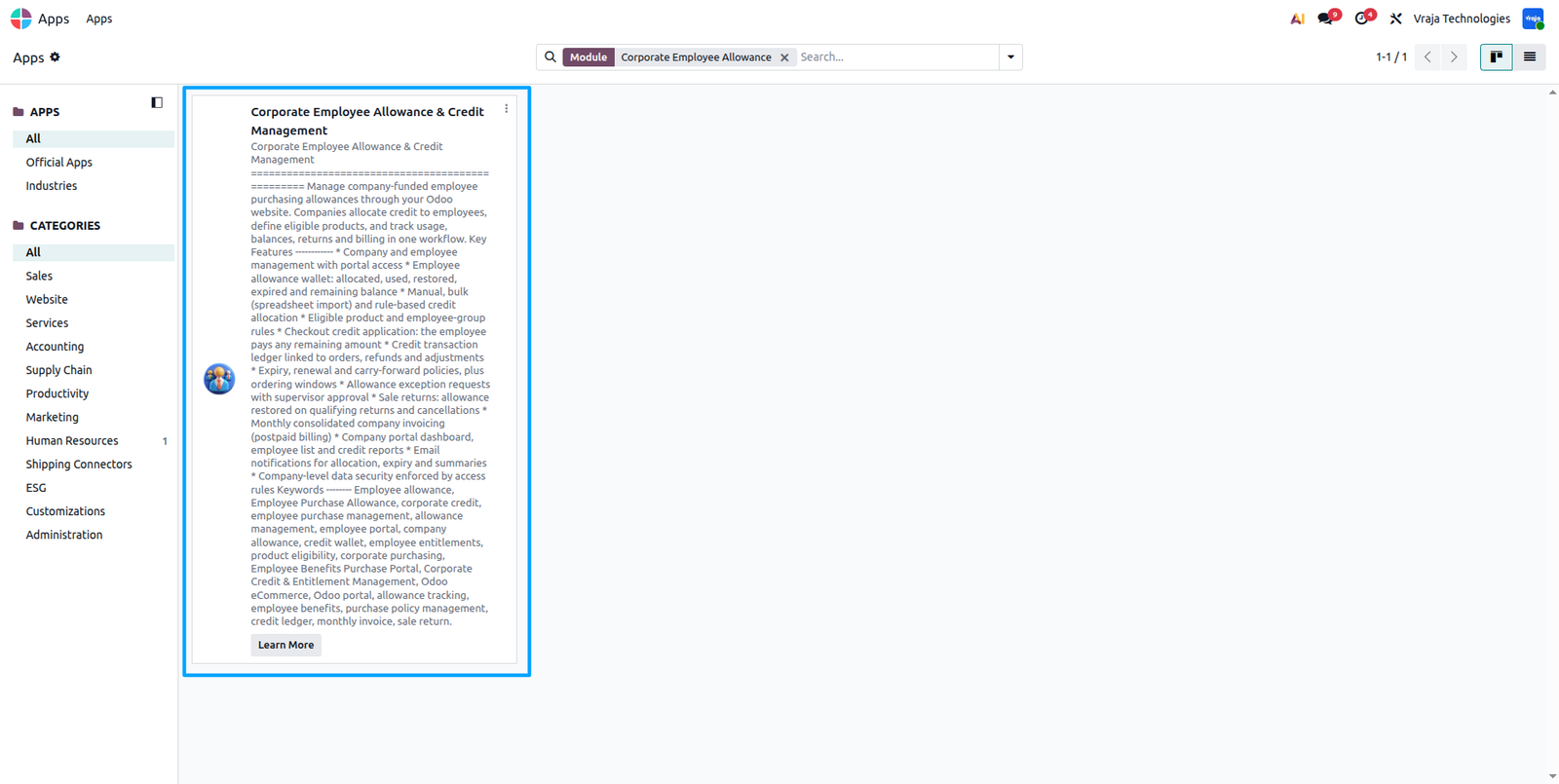
Install the Corporate Employee Allowance & Credit Management module from Odoo Apps. Once the installation is complete, configure the backend access rights for the users who will manage the program.
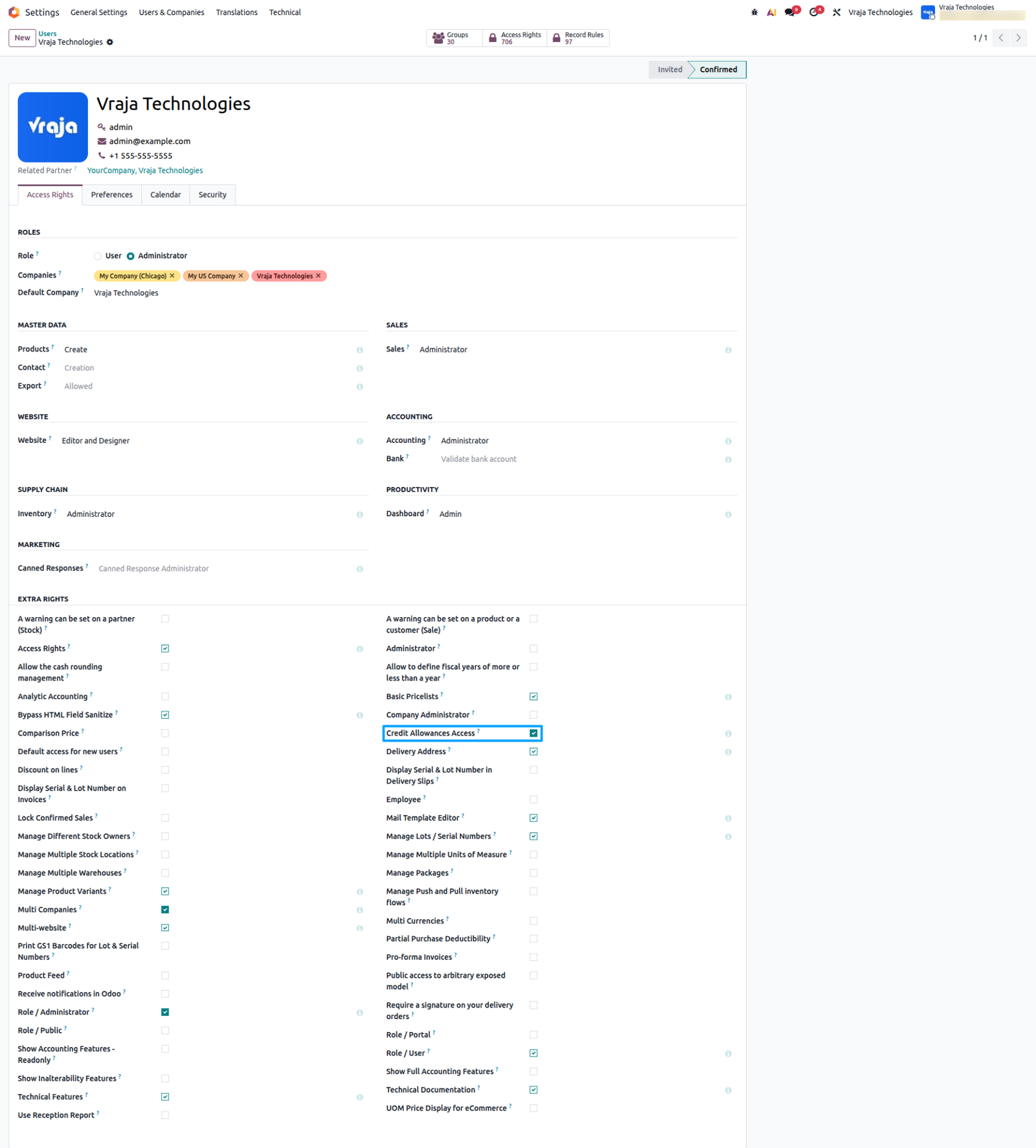
Go to Settings → Users & Companies → Users. Open the appropriate user record and enable Credit Allowances Access under Extra Rights. Save the user to grant access to the module’s backend functions.
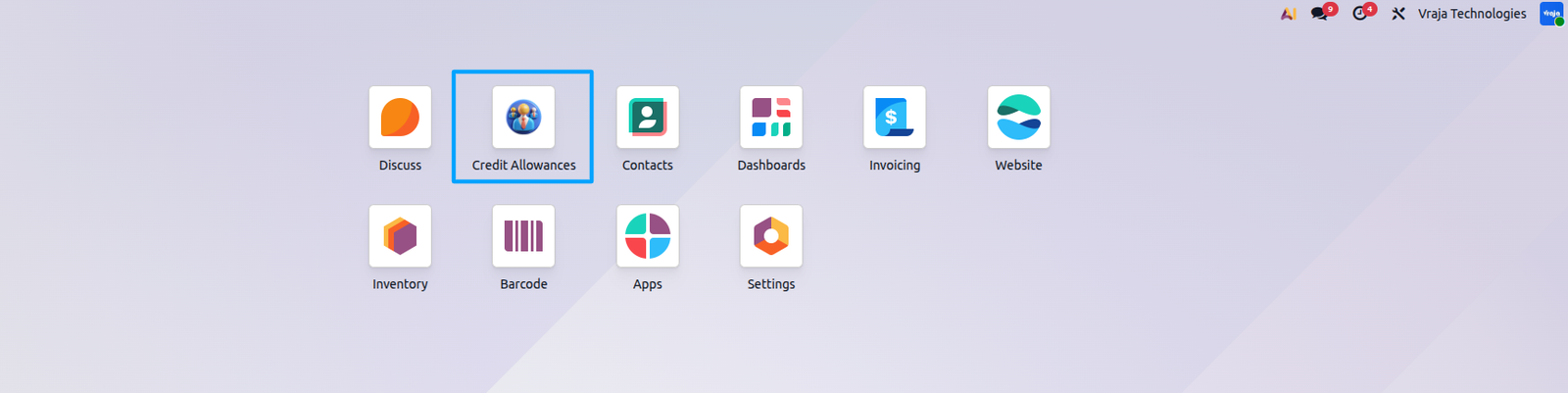
Once the access right is enabled, open the Credit Allowance application. Its menus provide access to Credit Allowances, Employee Allowances, Companies, and Allowance Allocations.