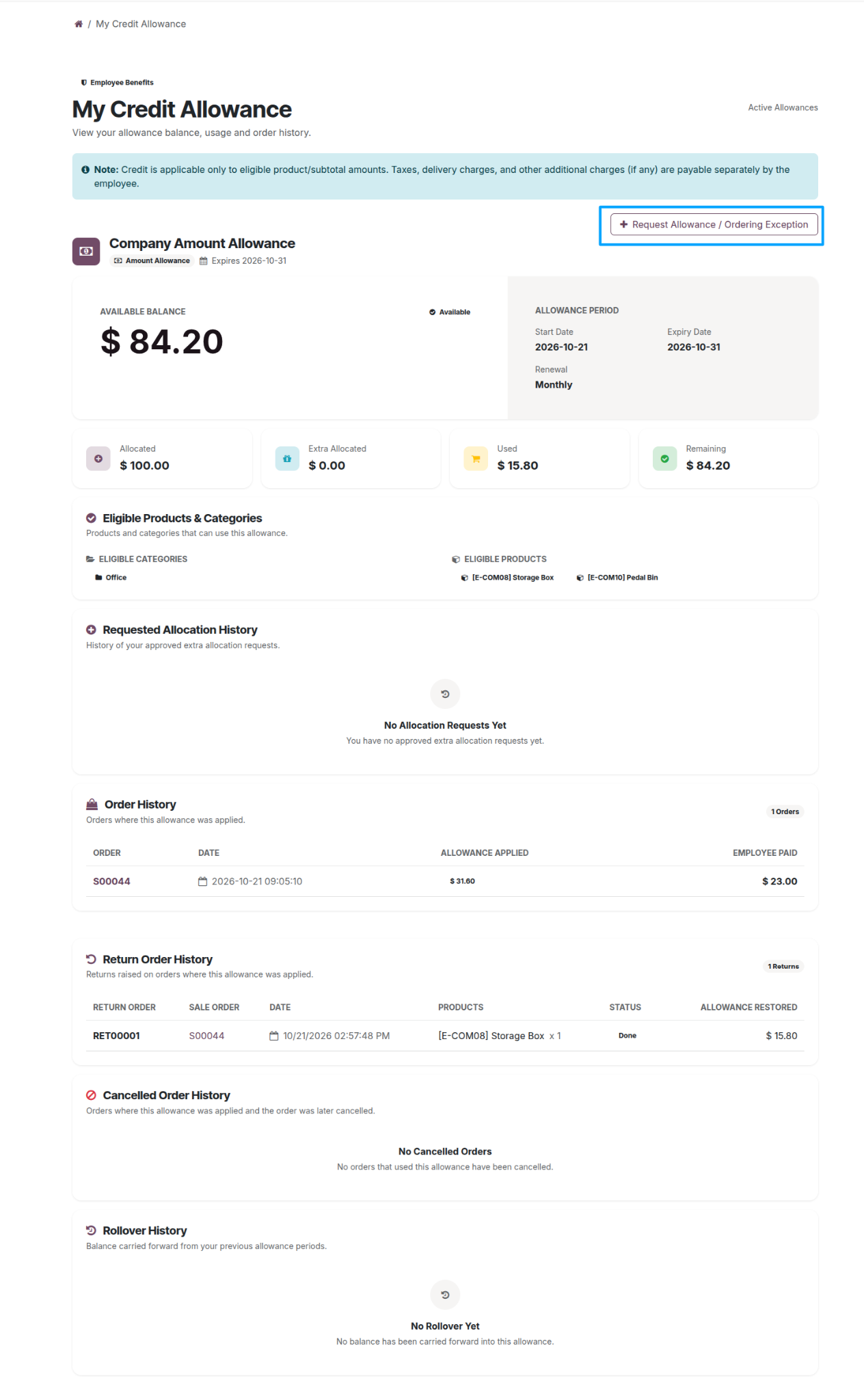
Start an additional allowance request
Employees who need more credit or an ordering exception can select Request Allowance / Ordering Exception from My Credit Allowance.
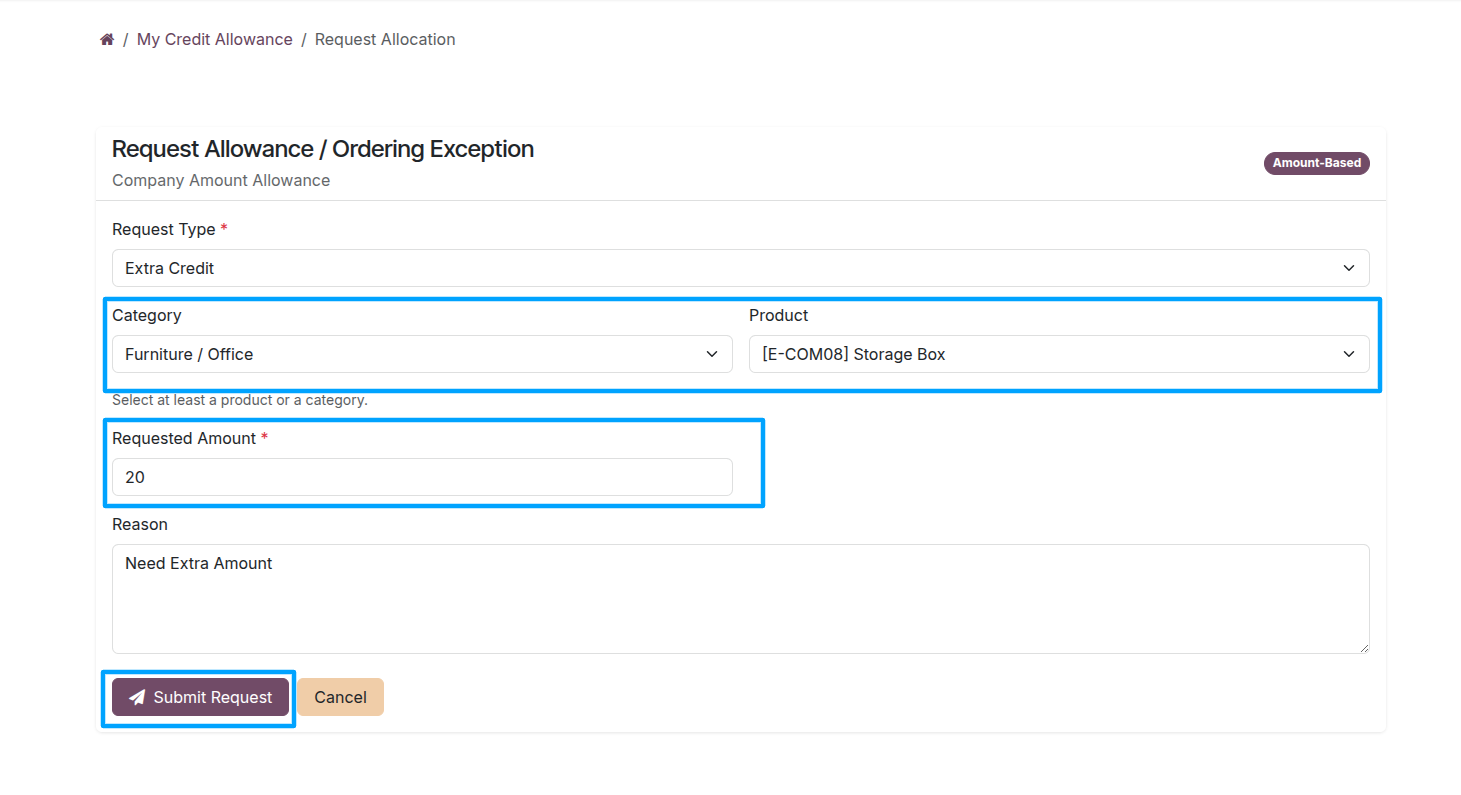
Submit request details
Choose the request type, relevant product category and product, and requested amount. Add the business reason and submit the request for review.
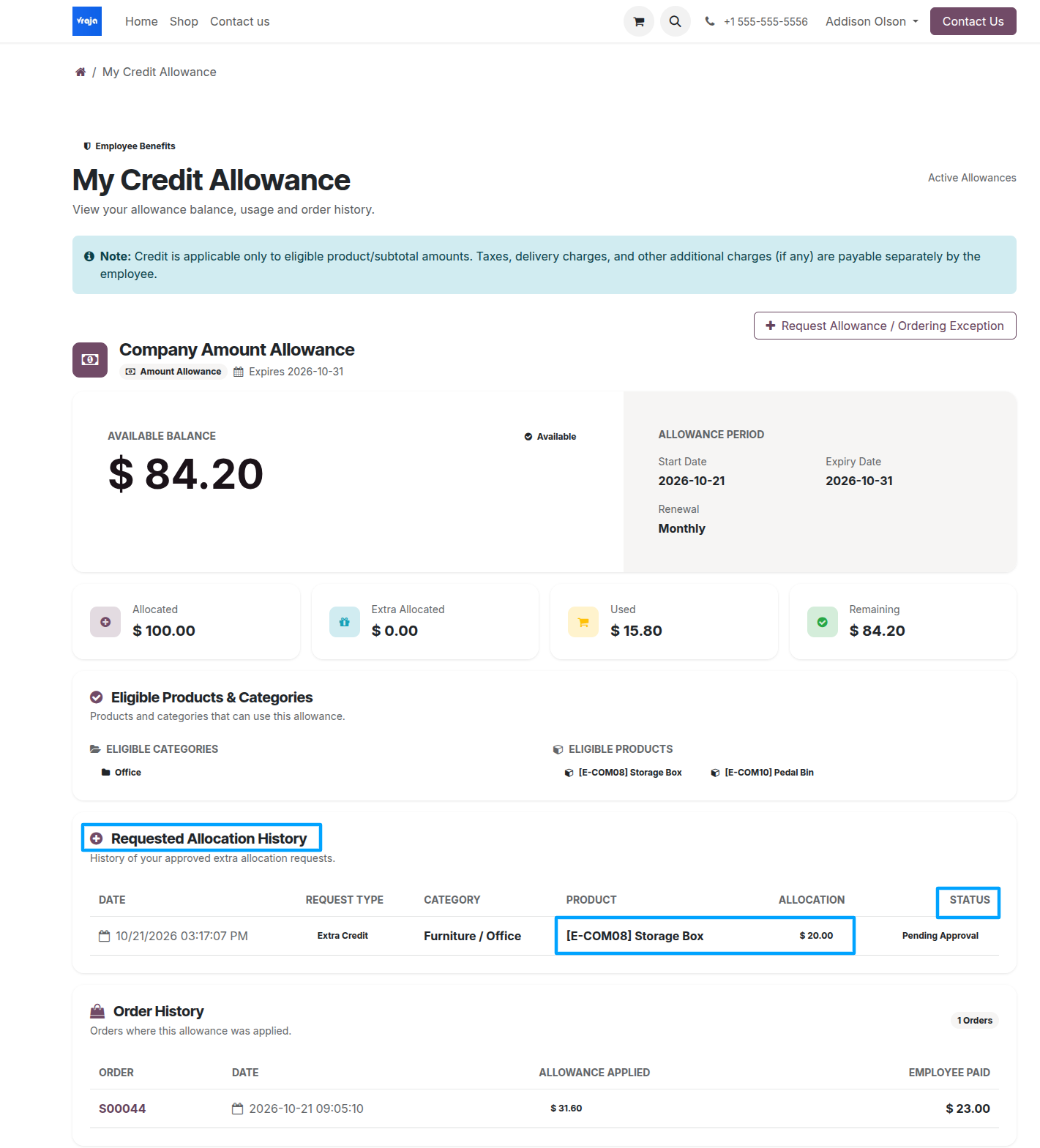
Track the request
Employees can monitor the request and its approval status under Requested Allocation History.
Administrator approval
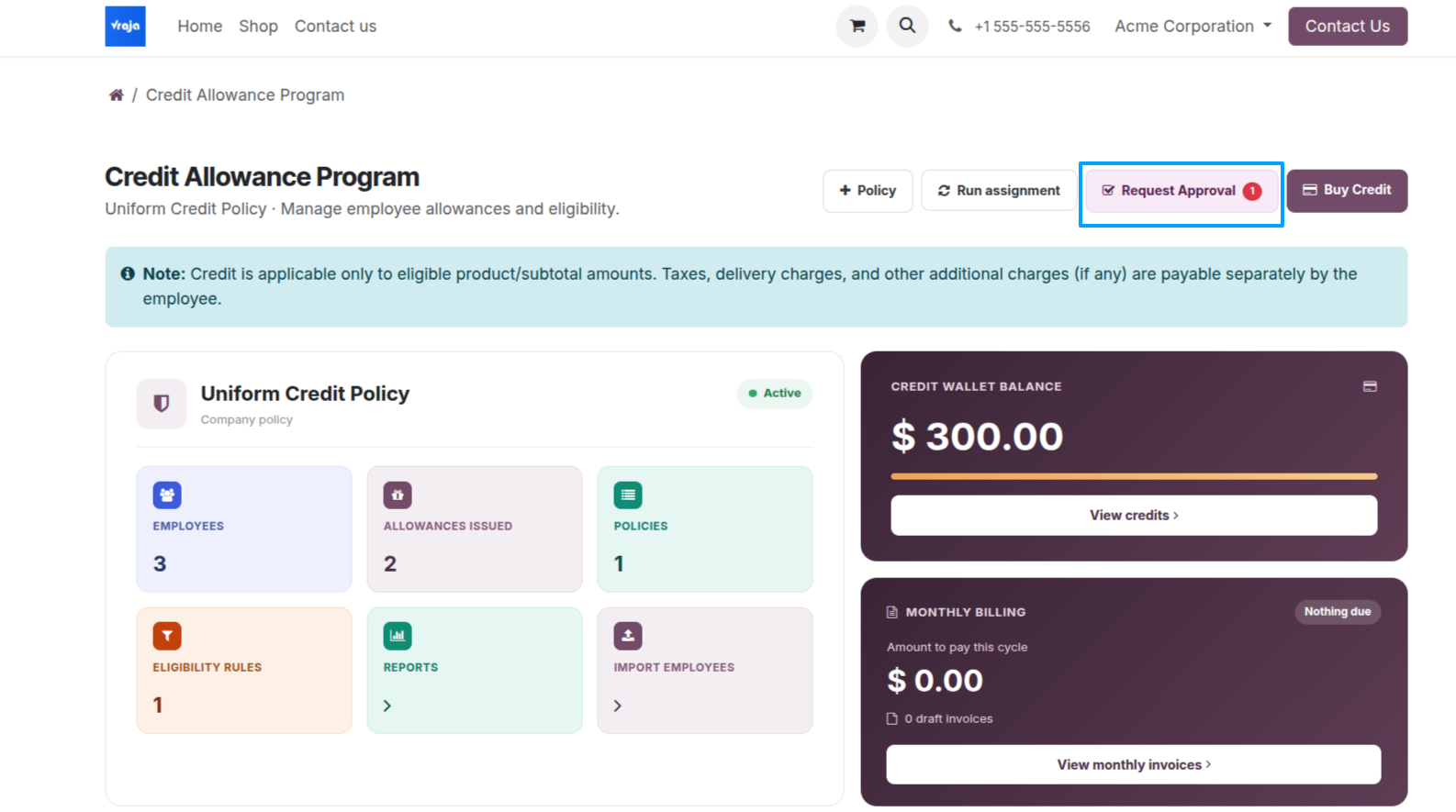
Company administrators review these requests by opening Request Approval on the Credit Program Dashboard.
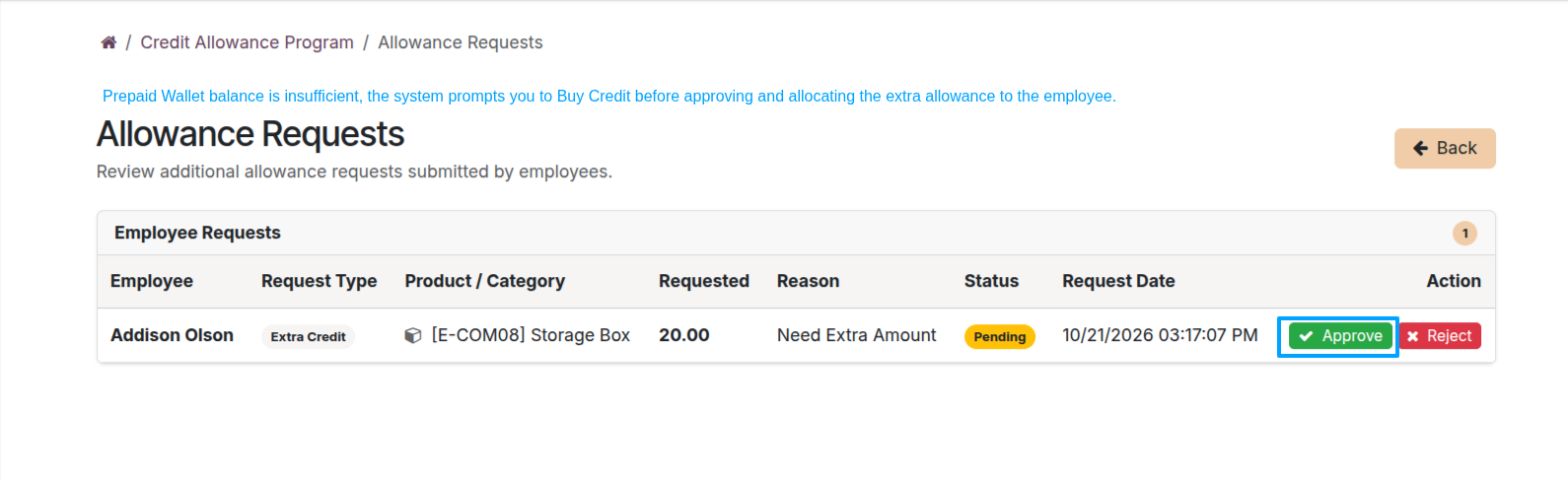
On the Allowance Requests page, the company administrator can review employee requests, including the requested amount, product, reason, and status, and click Approve or Reject.
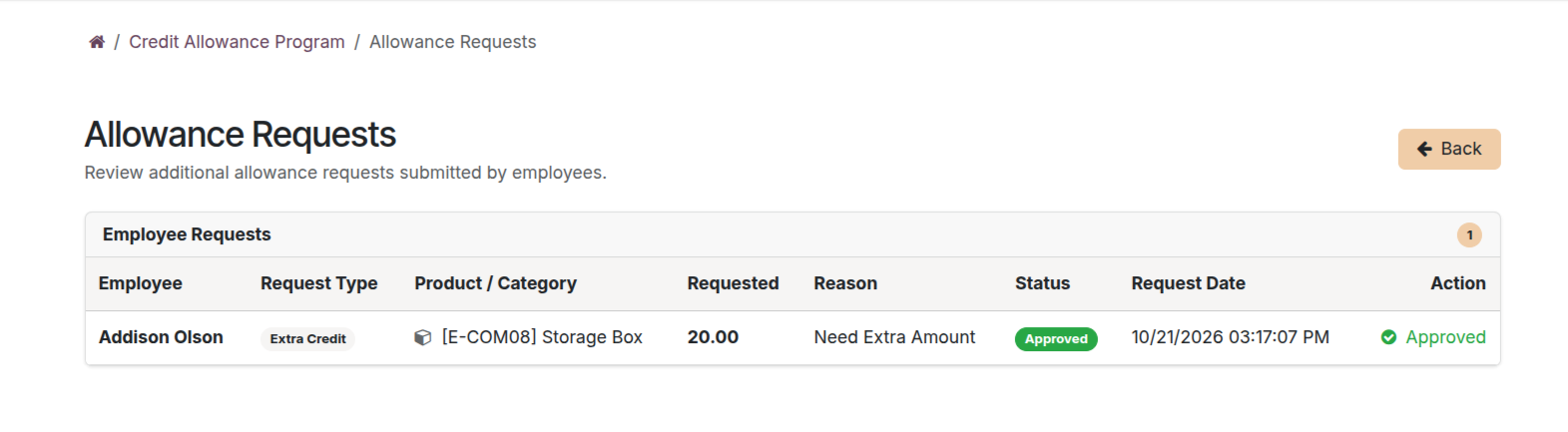
How approved credit is allocated
For an approved additional allowance request under a prepaid policy, the approved amount is deducted from the company wallet and added to the employee’s Extra Allocation.
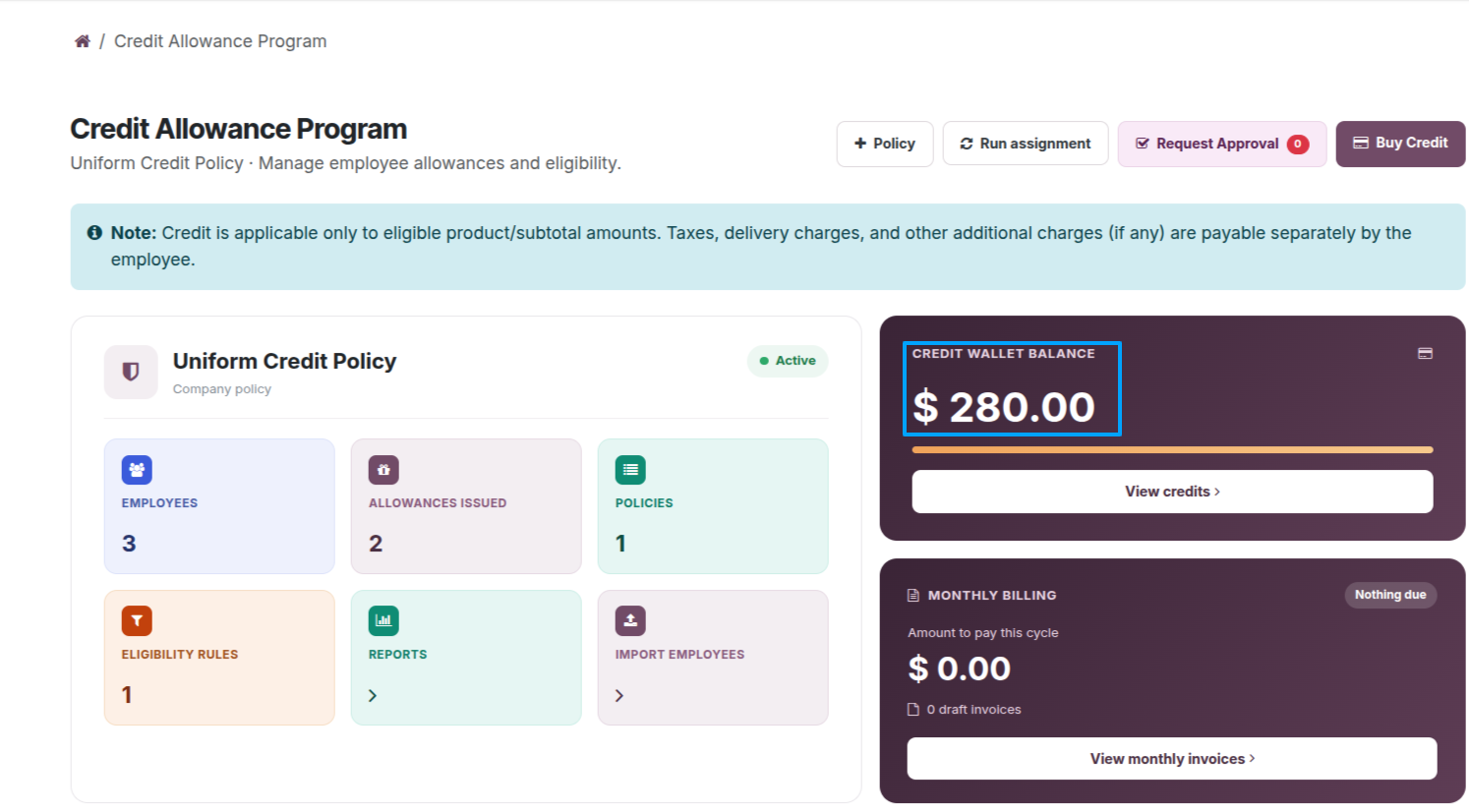
The company dashboard updates the Credit Wallet Balance to reflect approved additional allocations.
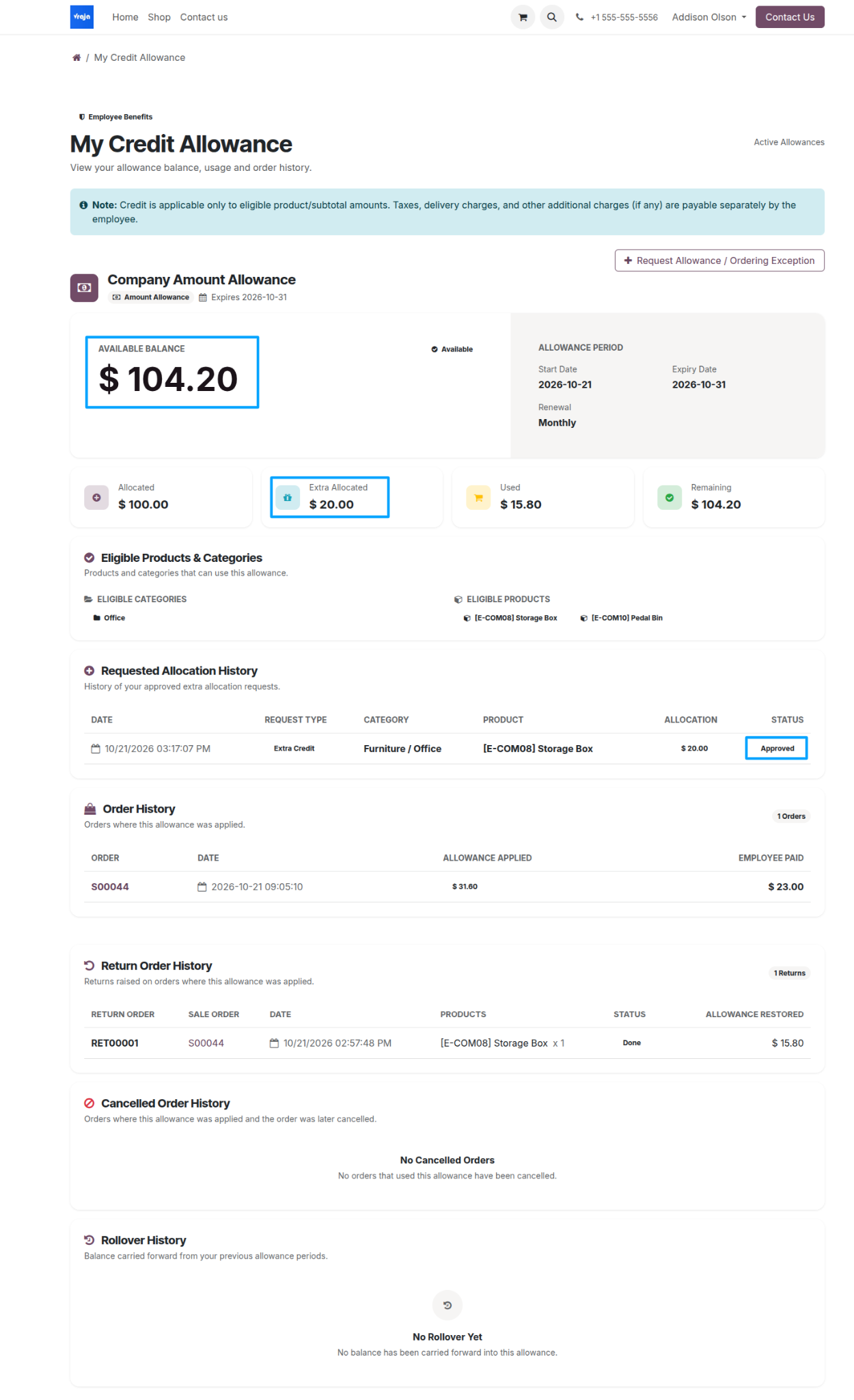
View the updated employee balance
After approval, the employee sees the additional allocation in the Extra Allocated Balance and Available Credit Balance.