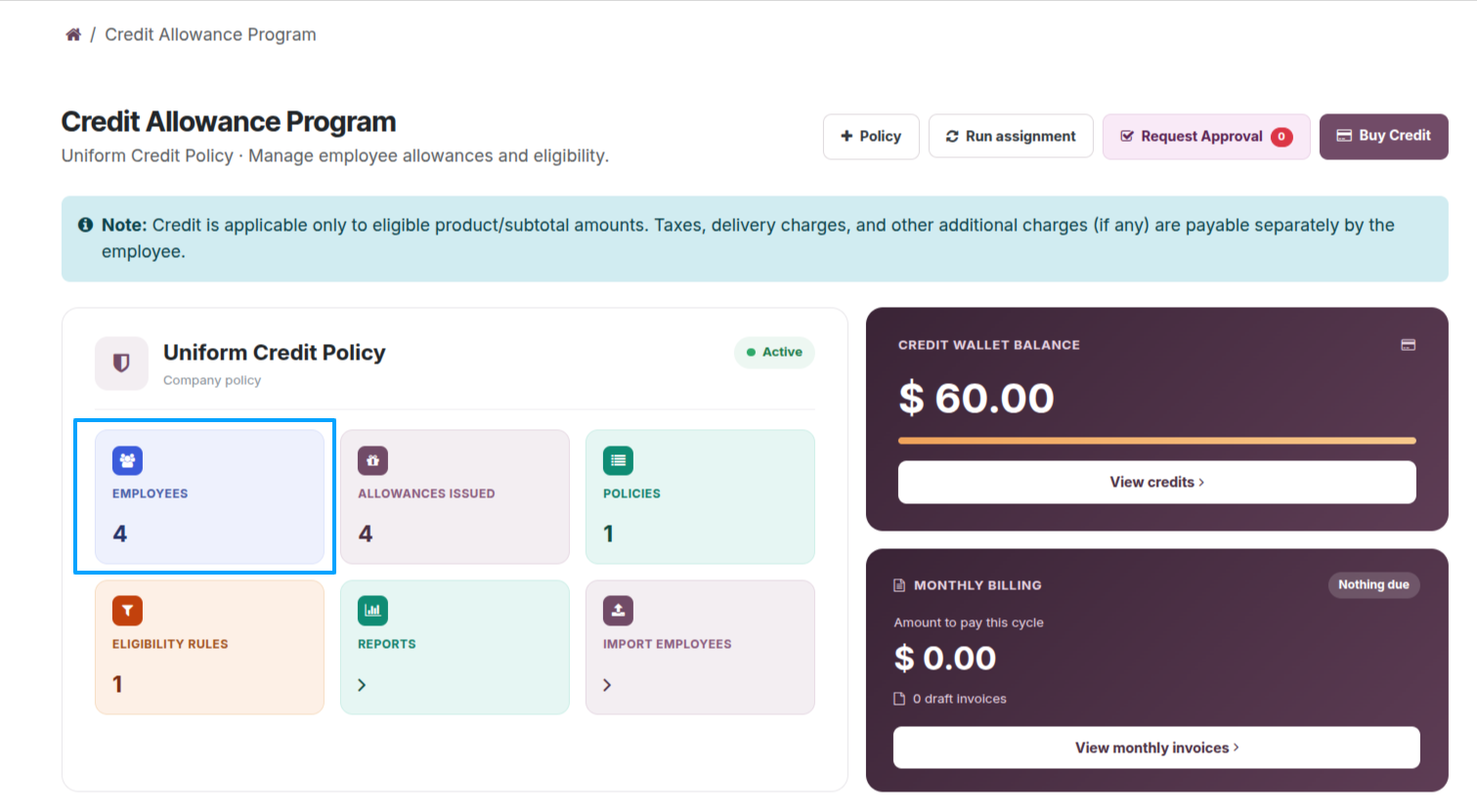
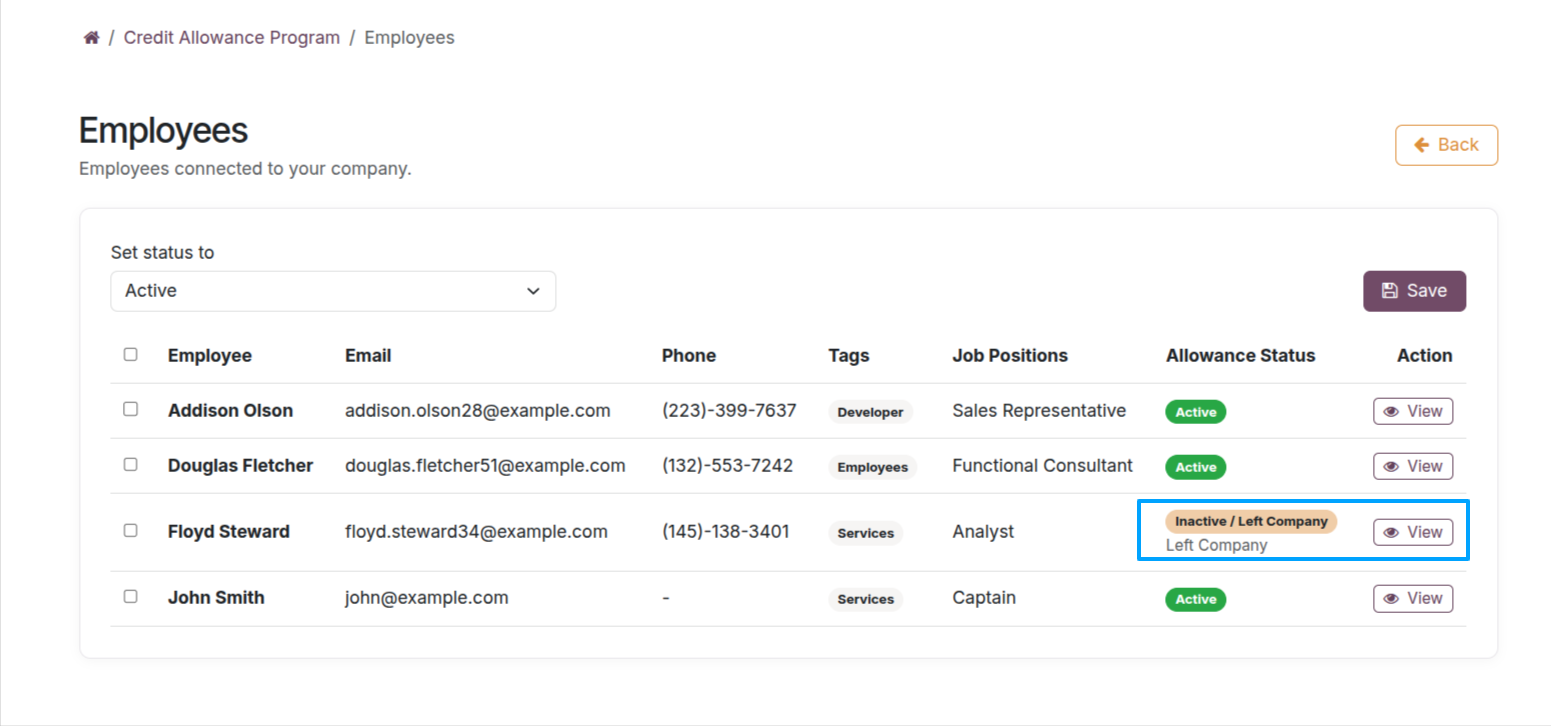
Select Employees on the dashboard to review employees and their status: Active, On Leave, or Inactive.
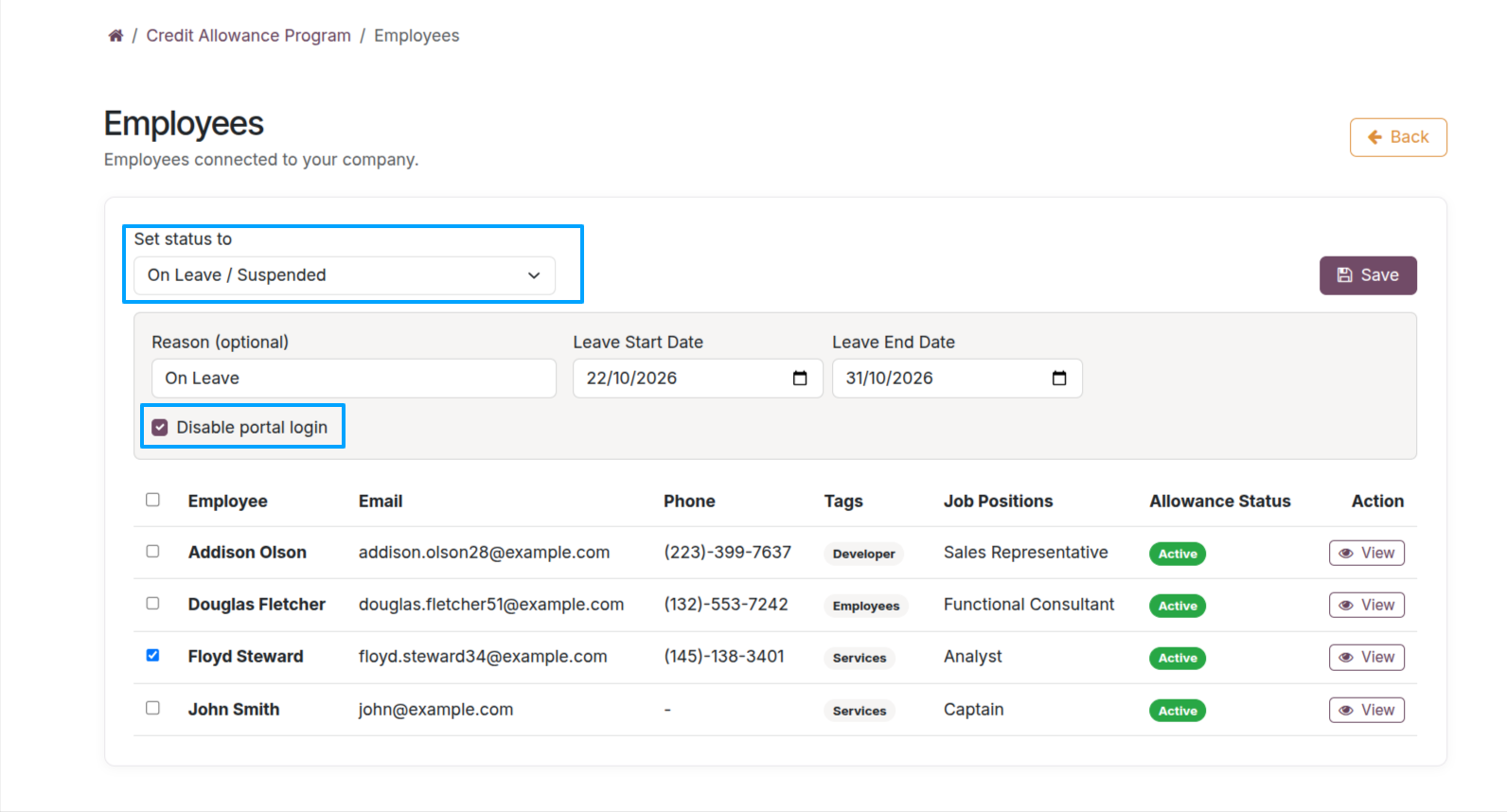
When setting an employee to On Leave, provide the leave reason and date. The displayed option controls whether the allowance is suspended from the selected date.
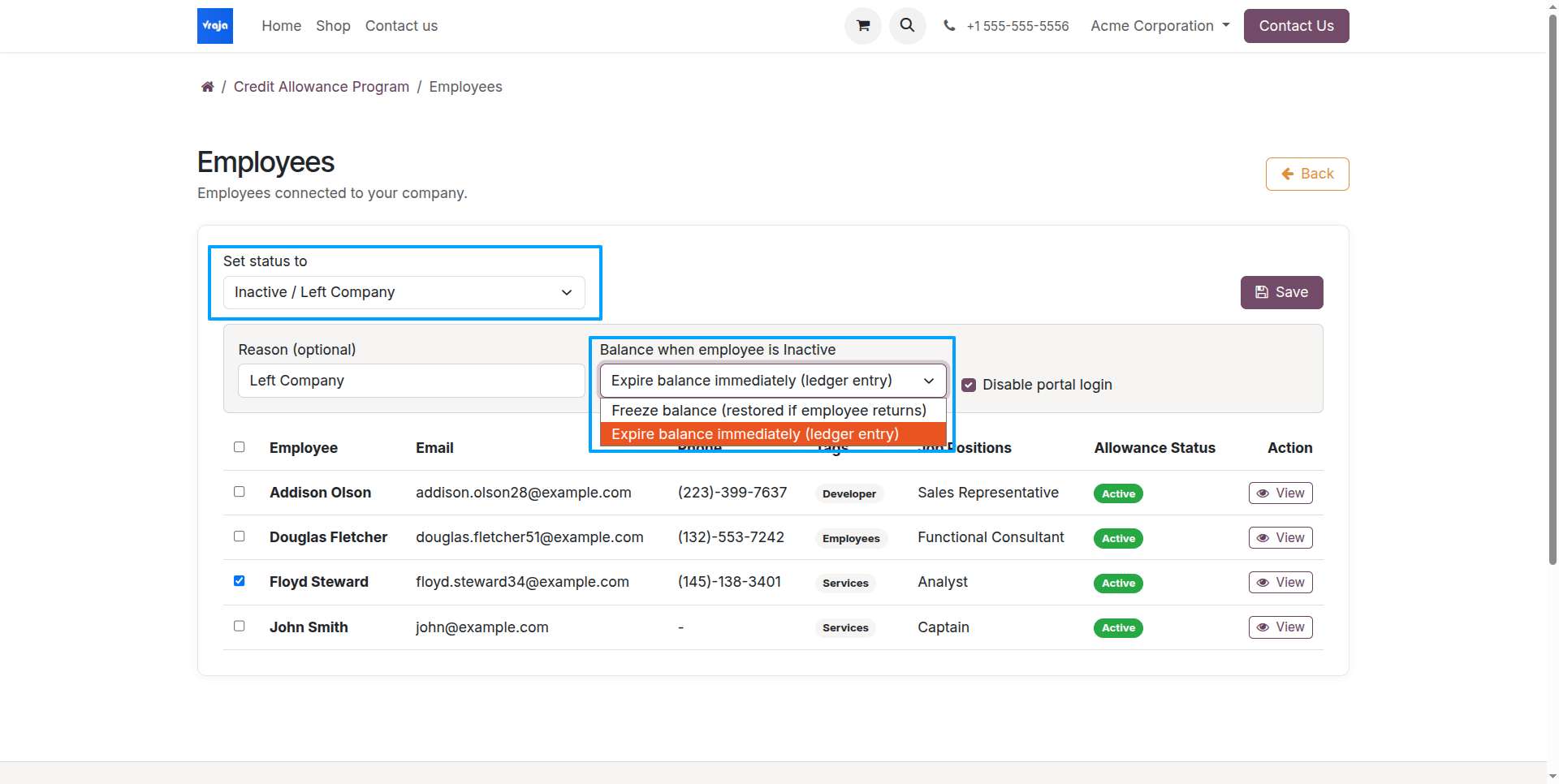
When marking an employee Inactive, choose how to treat the unused allowance: Expire Allowance or Restore on Reactivation.
Select View to inspect employee details, change Employment Status, and save updates. For employees who have left the organization, follow the documented inactive employee process.
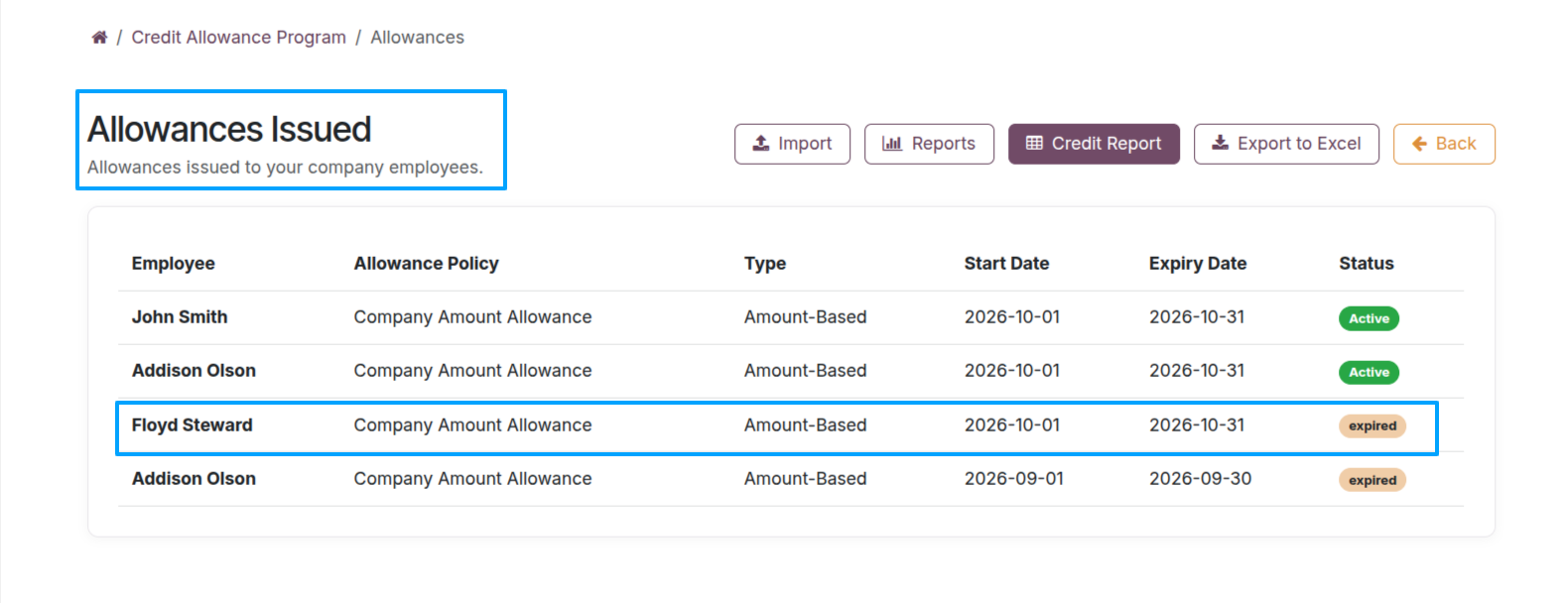
The Allowances Issued area also displays expired allowances. Employees cannot use expired allowance balances to make new purchases.