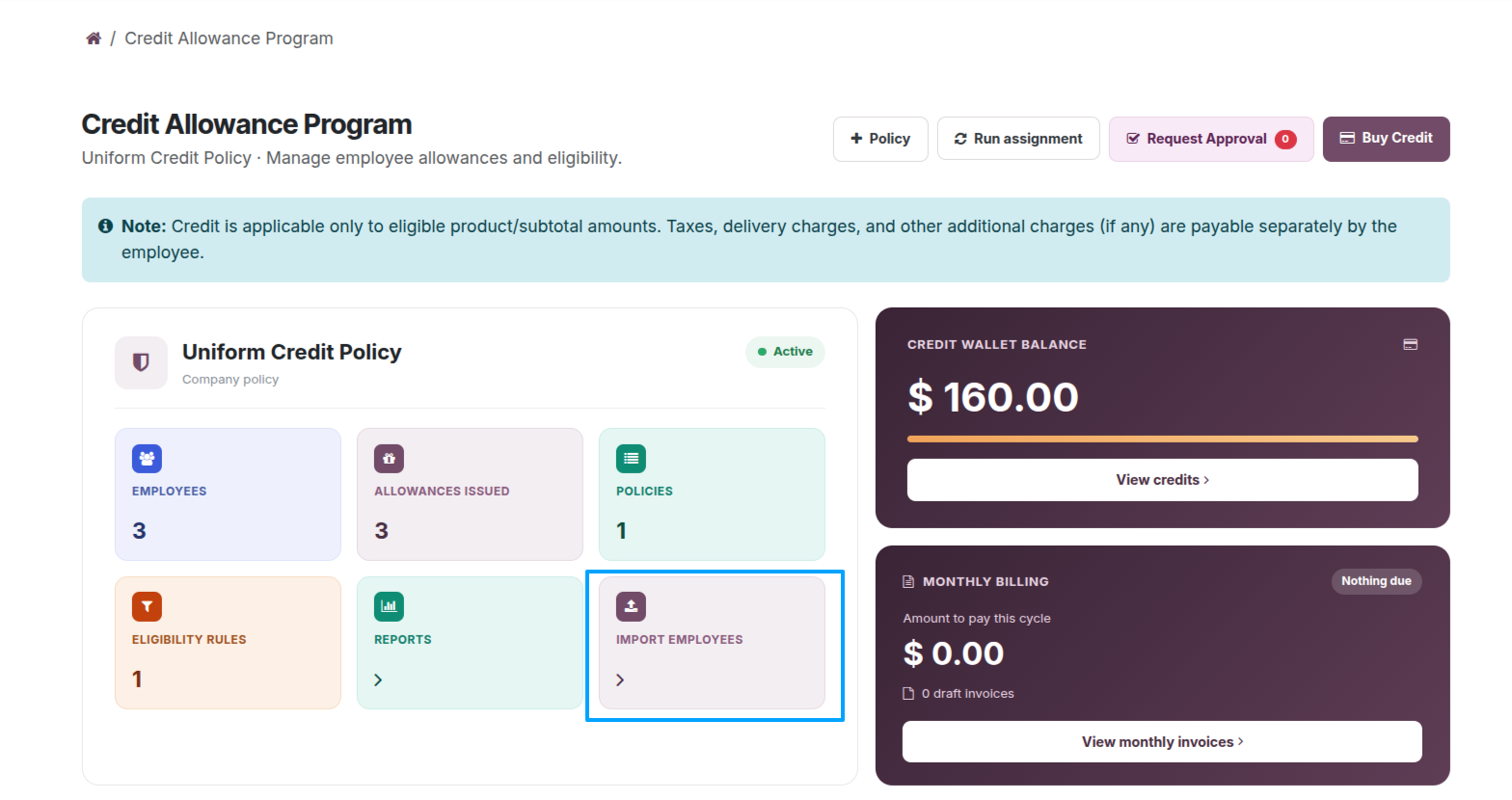
Select Import Employees from the company dashboard to import multiple employee records and allocate their allowances according to the configured rules.
Import Employees : Click the Import Employees card to bulk import multiple employees and assign allowances based on the configured eligibility rules.
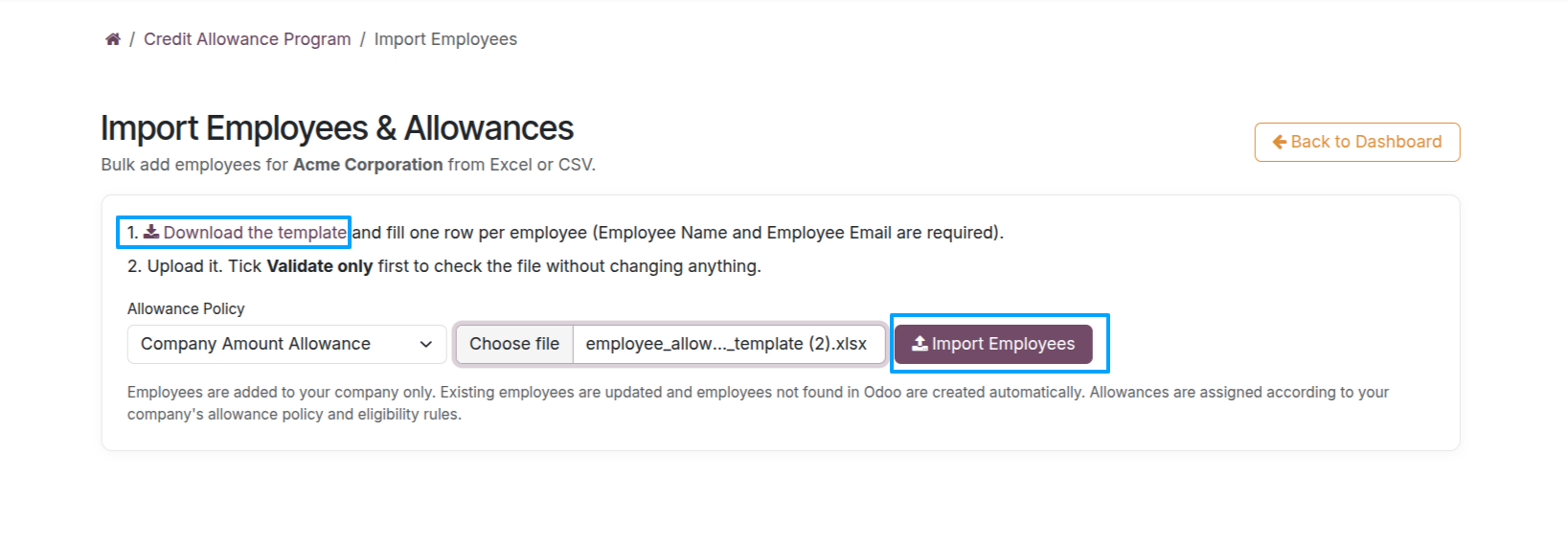
Open Import Employees, select the Allowance Policy, and download the Employee Import Template. Complete the employee details in the template, upload the file, and run the import.
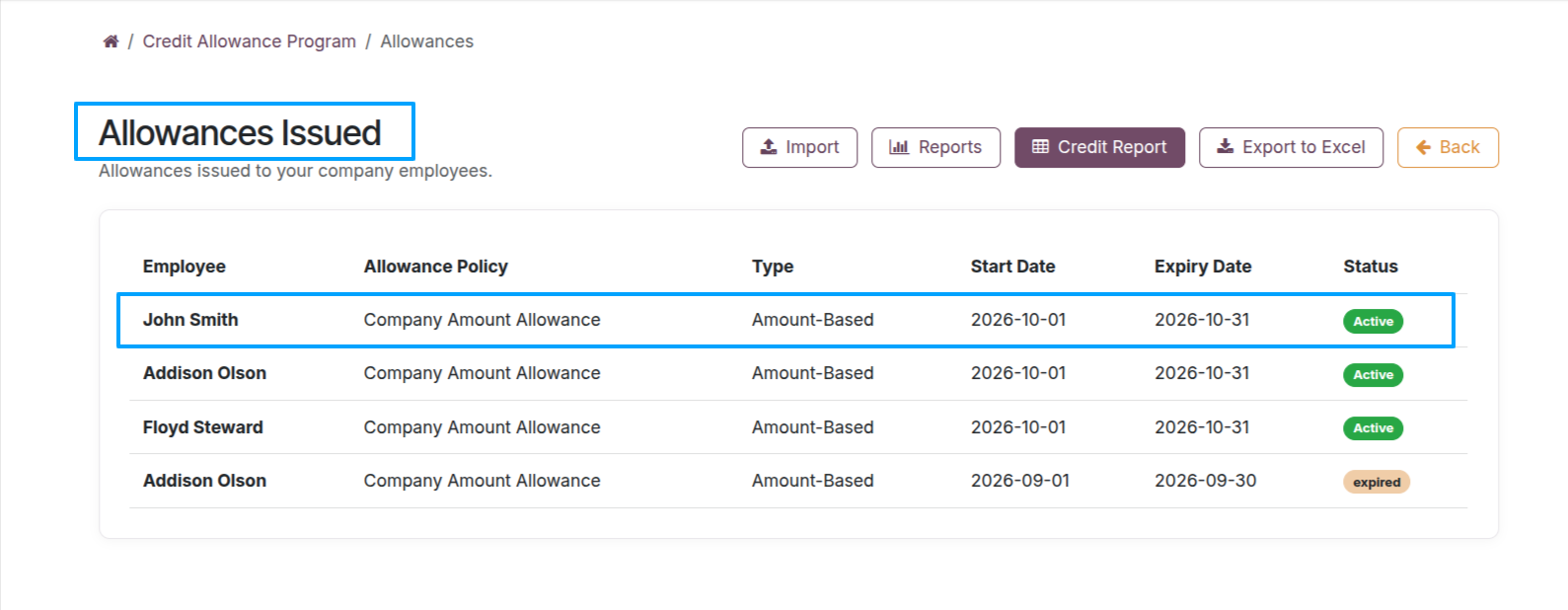
After the import, verify employee records and associated allocations in Allowances Issued.