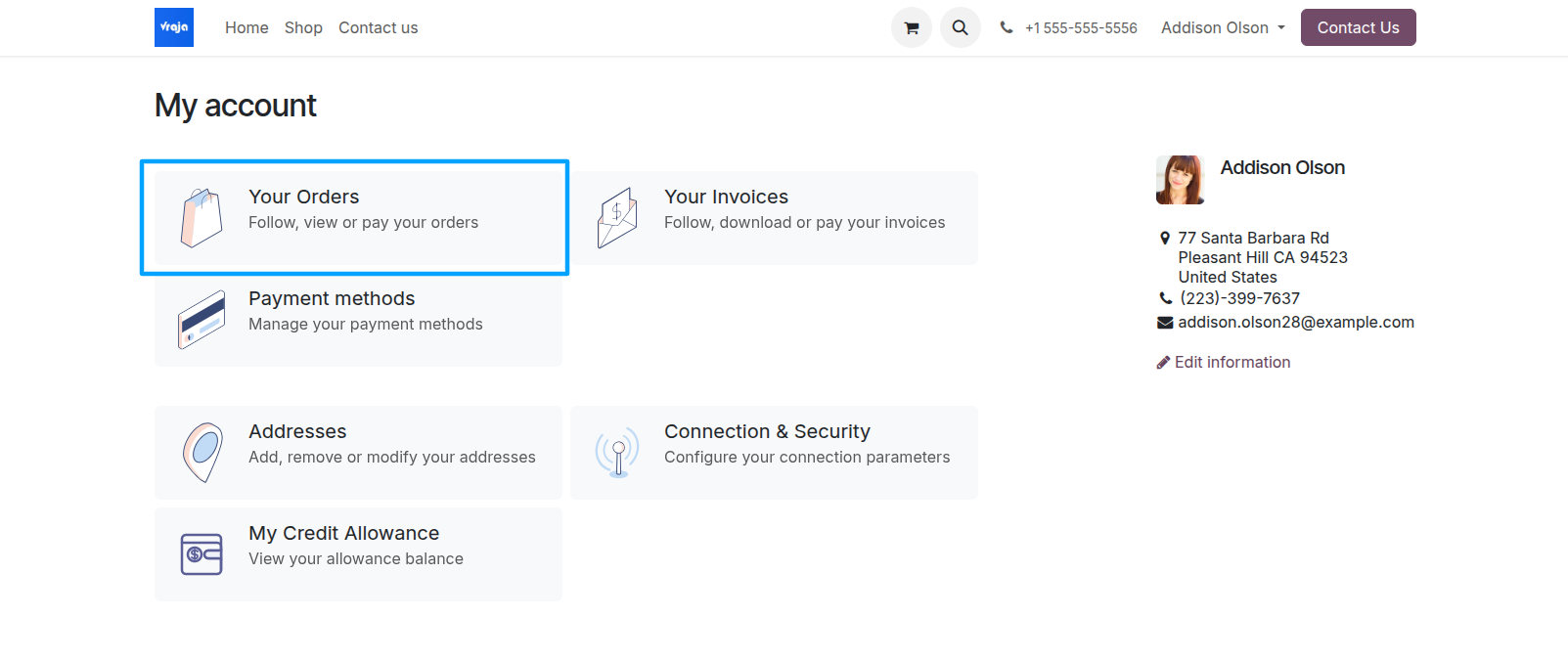
To return a delivered item, go to My Account → Your Orders and open the relevant sales order.
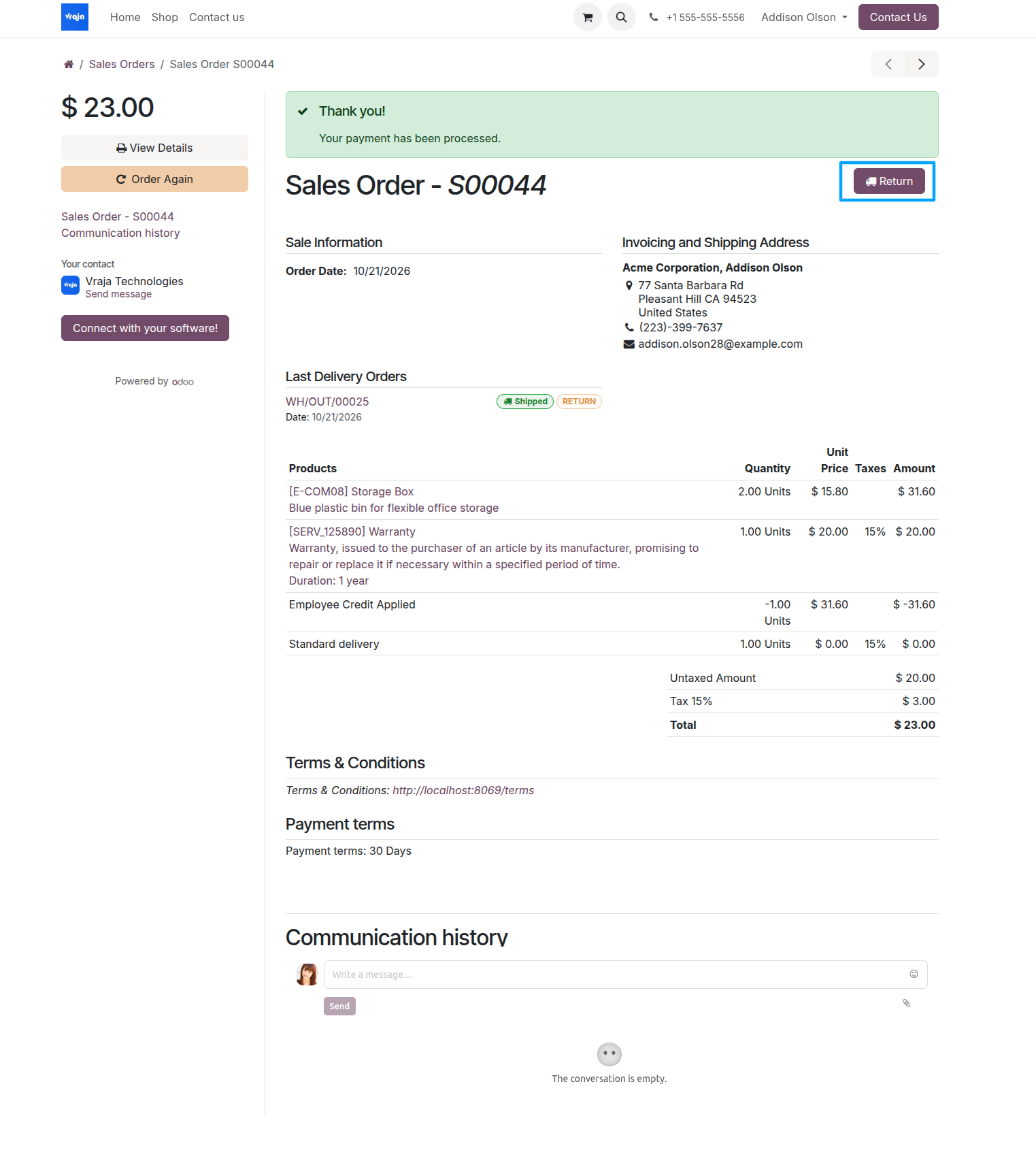
Select Return on the sales order details page to start a product return request.
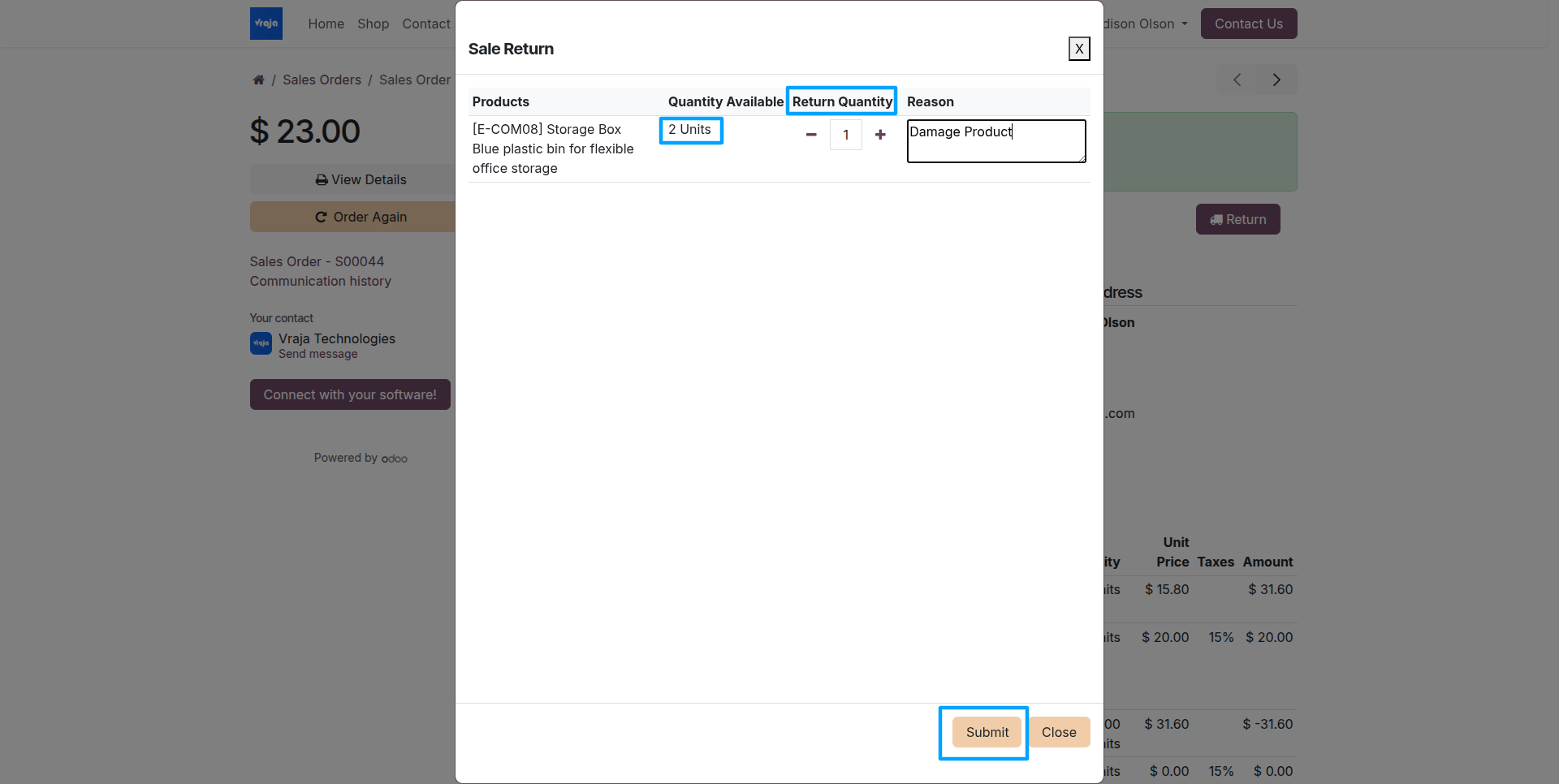
In the Sale Return popup, enter the Return Quantity and Reason for Return, then select Submit.
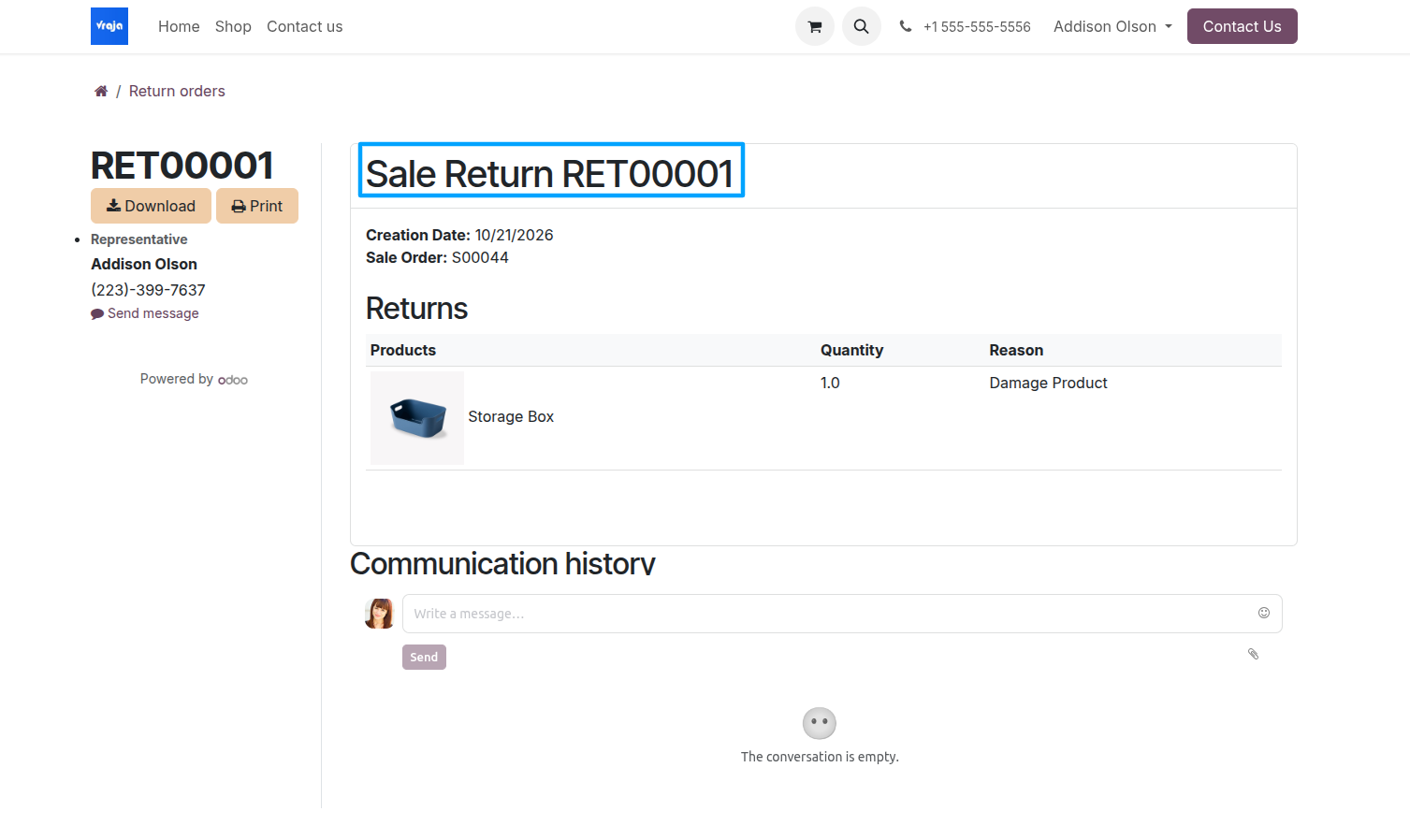
Submitted requests and their statuses are available in the Return Order section of the portal.
Once the return is confirmed and the returned quantity is received into stock, the applicable used allowance is restored based on the eligible returned quantity or value.
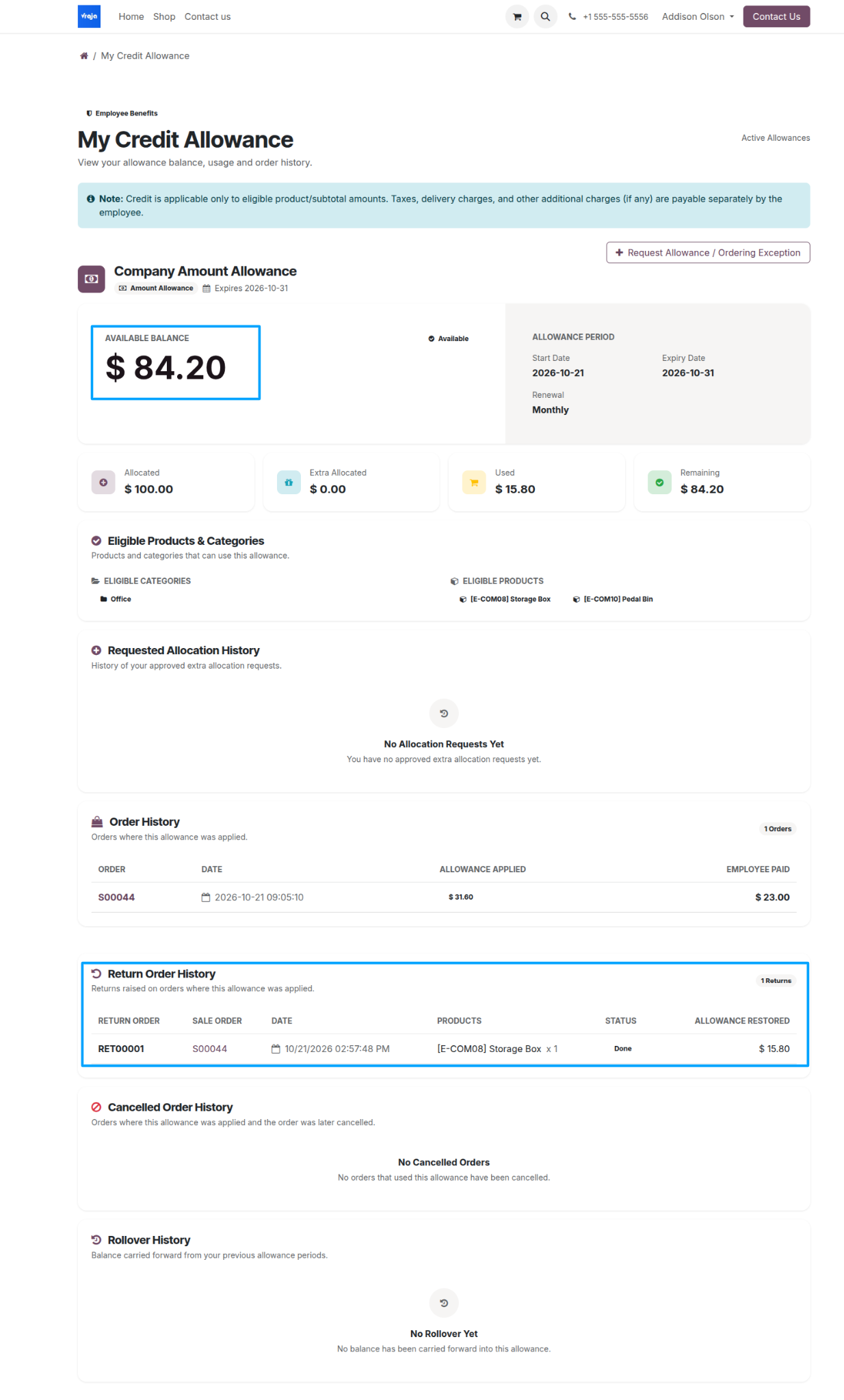
The Return Order History area of My Credit Allowance shows returned items, quantities, statuses, and restored allowance amounts. The restored credit appears in the available balance.